

Personality trait analysis.Reports under your brand.
Give your clients a report that explains patterns in how they think, relate to others, and respond to pressure. Choose the report sections and prices; Pandora provides the assessment and your branded store.
Paid B5+ reports from BigFive.ly, based on the Big Five personality framework.
What will your clients learn about themselves?
The assessment starts with how your clients describe their usual behaviour. Their answers form a profile across five broad personality traits.
The report puts scores into words. It gives you and your clients material for reflection and development conversations.
Read how the assessment worksIdeas, curiosity, and new experiences
Describes a person’s interest in unfamiliar ideas and experiences, including imagination and intellectual curiosity.
Read the result as a tendency, alongside the person’s circumstances and experience.
An explanation alongside the numbers
Clients can read what a trait describes and how their answers relate to it. More detailed sections add context to the broader profile.
You decide what your package includes
Choose the paid report sections you want to offer and explain them to your customers. The B5+ sample shows the full report; each customer receives the sections in the package they buy.
A report service that belongs in your business.
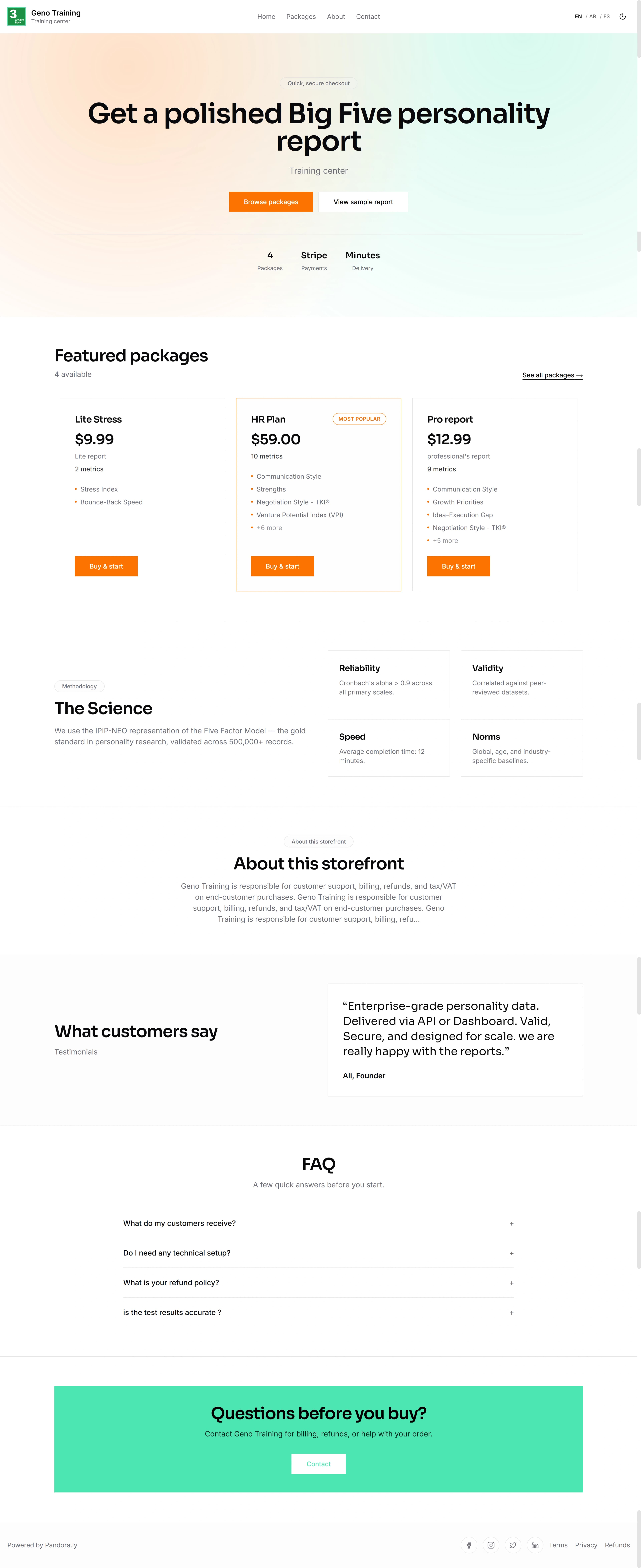
Bring the report to your clients through a store carrying your name. Keep control of your offer while Pandora handles the online assessment and report experience.
- Your name and presentation
- Choose a storefront design, add your logo and colours, and share your pandora.ly store address.
- Your packages and selling prices
- Choose the report sections in each package and the price customers pay. Connect an eligible Stripe account to receive their payments.
- One place for the customer journey
- Customers buy a package, complete the assessment, and return to their report. You follow their orders and reports from your dashboard.
Choose the report capacity you need.
One platform, with credit packs for different quantities. Buy credits to fund the paid reports you issue to customers.
Store capabilities are the same across all packs. Only the quantity and cost per report change.
You choose what customers pay. These prices show your cost to issue their reports.
Credits for 3 reports
Your cost per report
$19.67
The smallest upfront commitment to get started.
- Pack total
- $59
One-time payment in US dollars.
This starts store setup. You can review the pack before payment.
Report credits fund generation. Customer payments go directly to your connected Stripe account.
Prices are in USD. Stripe processing fees may apply. Review the total at checkout.
From your first package to your first customer
Set up your store, enable payments, and fund the reports you plan to sell.
Create your store
Choose your .pandora.ly address, add your logo, and select a design.
Connect Stripe
Connect an eligible Stripe account and complete its requirements so customers can pay you.
Fund your reports and publish a package
Buy credits, choose the report sections and price, then share your store link.
Illustrative setup views. You choose your branding and package contents.
FAQ
Quick answers for resellers.
No. You can choose a store design, create packages, and manage orders from your dashboard.
You do. Customer payments go to your connected Stripe account, and you are the merchant of record for those sales. Pandora provides the store and report service.
You handle your customers’ questions, refunds, and chargebacks. Pandora support helps you with the platform.
Storefronts currently use .pandora.ly subdomains. Custom domains are not available yet.
One credit funds one paid report. Buy a pack before selling reports and keep enough credits available for your customers. Credit purchases are separate from customer payments.
Your customer buys a package, takes the assessment online, and opens a report with the sections you included. The store and report experience carry your branding.
Make personality trait reports part of your offer.
Start with your store name and build a package around the report sections you want to offer.